

Glitch-free lock
Steady playback never re-seeks, stutters, or double-fires MIDI. LiveTC™ corrects only when the show actually moves, and when it does, you don't hear it.
Timecode tools for Ableton Live · macOS
Live has no native LTC chase, so LiveTC™ reads incoming SMPTE off any audio input and keeps Live's transport locked to it, without the re-seeking and glitching that plague bolt-on chasers. Run it in reverse and it captures a full timecoded playback session, from any DAW or source, straight into an empty Ableton Set.
macOS 12+ · Ableton Live 11.3+
The problem
When the timecode master rolls, Live has to be exactly where the show is, and Ableton can't chase LTC on its own. Bolt-on chasers re-seek on every frame and glitch the audio; roll the master mid-song and the playhead bounces between songs. And when someone hands you a timecoded session from another rig or DAW, there's no clean way to land it in Ableton on the grid, in time, on the first take.
How it works
Feed your SMPTE master into any audio input on the machine, an interface channel, not a plugin slot.
LiveTC™ maps which timecode belongs where in your arrangement automatically: no spreadsheets, no manual spotting.
Live locks to the incoming timecode and stays there, through song changes, mid-song starts, and master jumps, without audible corrections.
Point it at a timecoded session from any DAW or rig and it records the whole run into an empty Set, on the grid, with a locator and take report per song.
Locked and quiet. It only moves when the show moves.
In the app
Real screenshots from the shipping build. One window, one menu, and a readout sized for a dark room.
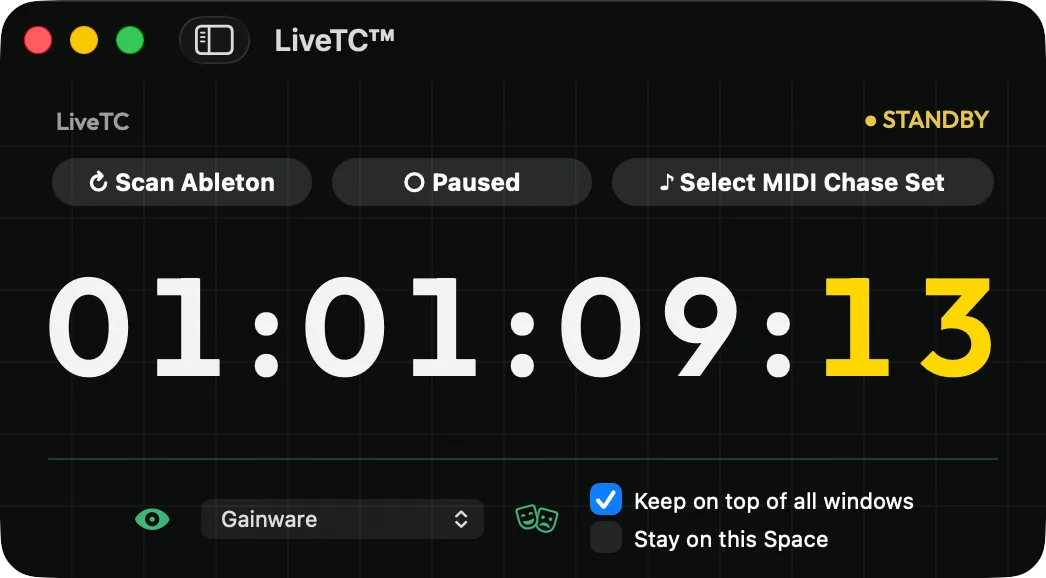
The timecode window · big enough to read from across the stage
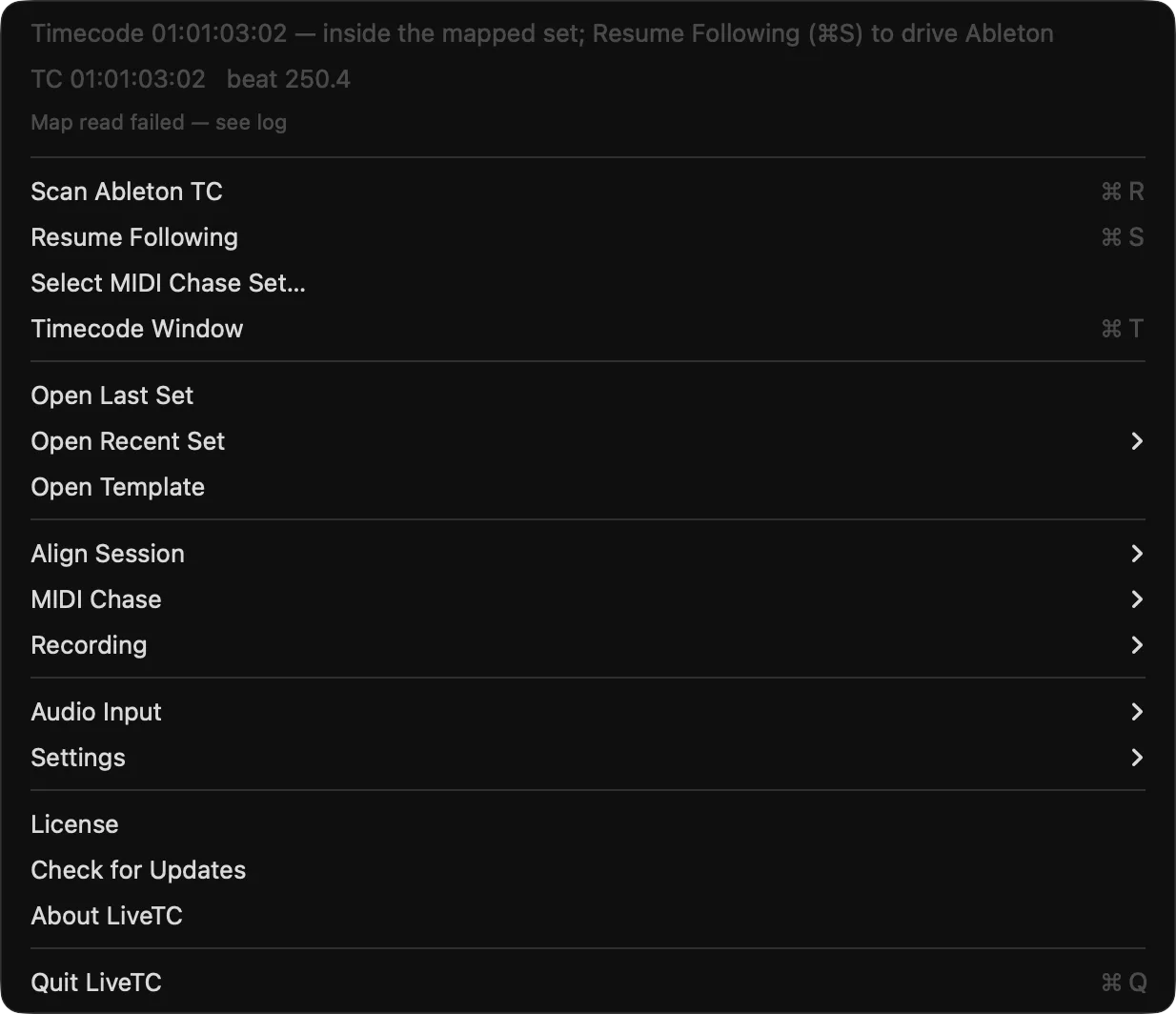
Lives in the menu bar · everything one click away
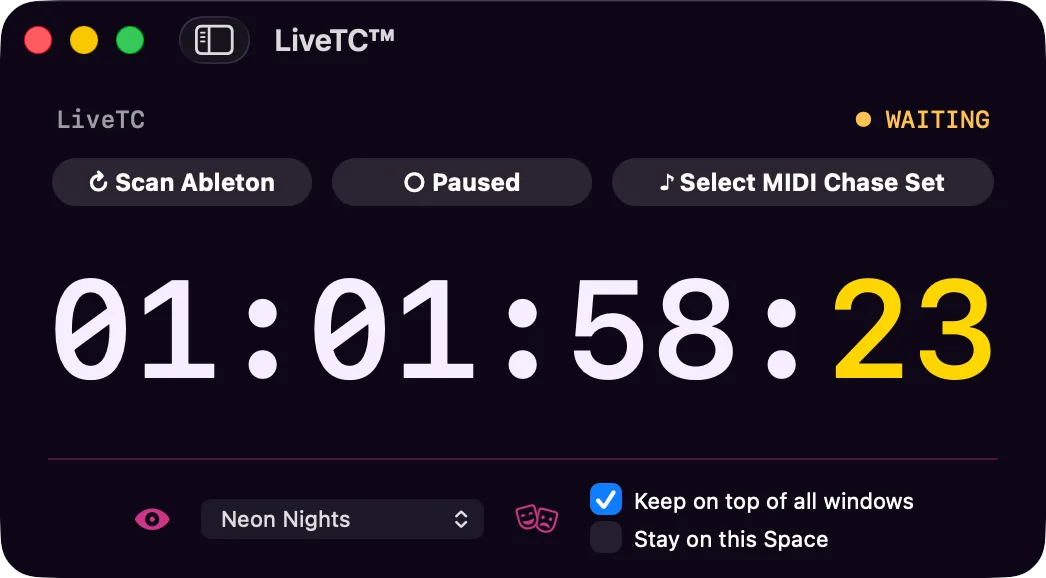
Neon Nights theme · one of the built-in looks
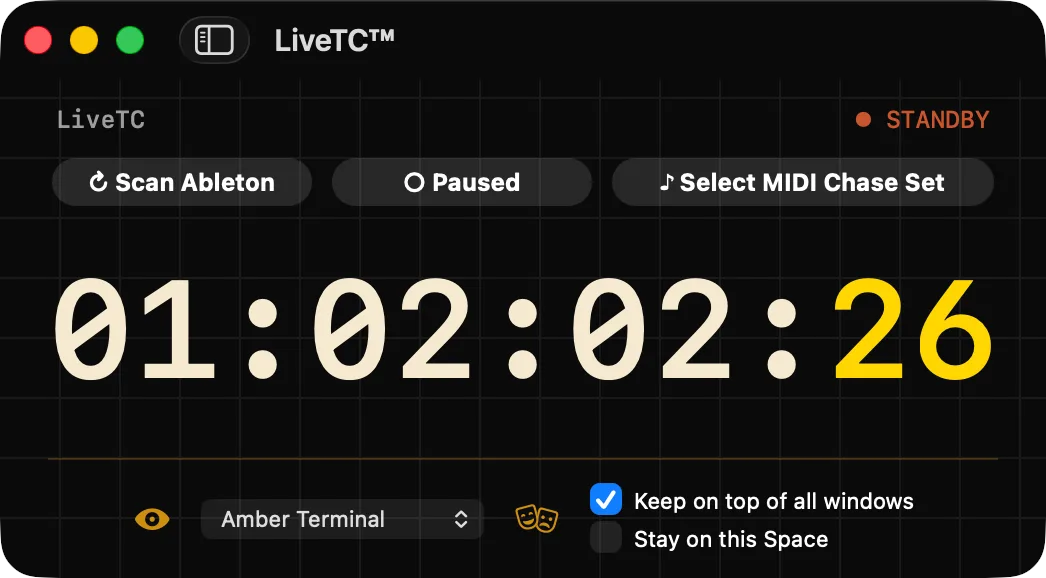
Amber Terminal theme · for the darkest FOH positions
What it does
One job: keep Live exactly where the timecode says, and never glitch getting there.
Steady playback never re-seeks, stutters, or double-fires MIDI. LiveTC™ corrects only when the show actually moves, and when it does, you don't hear it.
Two ways to follow: one keeps your bar lines and grid intact for warped Sets, one locks the timeline straight to timecode without ever touching tempo: the right behavior for unwarped material.
Record someone else's timecoded playback into an empty Ableton Set, landed at the right position, punched in cleanly, riding through brief signal dropouts, with a named locator and a report for every take.
Grid captures come back with the show's feel intact: bar lines land on the beat across a multi-song roll, hands-free.
Locks the noisy, low-level, imperfect LTC feeds you actually get on a show, the kind that trip lesser chasers, and a single bad frame never yanks the transport to the wrong section.
Multi-song sets just work: when the master's timecode enters a new song, LiveTC™ is there. Start the master mid-song and it lands you mid-song.
LiveTC™ builds its own map of which timecode belongs where in your arrangement: no manual spotting, no fragile file-naming conventions.
24, 25, 29.97 NDF, 29.97 DF, and 30. Drop-frame is handled correctly, with auto-detection of the incoming rate so a wrong menu setting can't sink you.
Timing is measured against your actual rig, not guessed, with a built-in calibration pass you can run whenever the setup changes.
Capture Mode
Point LiveTC™ at a timecoded playback session from any DAW or rig and it records the entire run into an empty Ableton Set: every take lands at the right position, punches in cleanly, and ends with a named locator and a per-take report. Grid captures come back with the show's feel intact, hands-free.
Why LiveTC™
Specifications
LiveTC™ is a standalone macOS menu-bar app that talks to Live over its own minimal Remote Script: no Max for Live, no plugin host, no freezing. The proven M4L device ships as the fallback you can put on a show right now.
Yes. The native app is a standalone macOS menu-bar application that drives Ableton over its own minimal Remote Script: no Max, no plugin host, no freezing. A proven Max for Live device ships alongside it as the fallback you can put on a show today.
LiveTC™ only relocates Live's transport when the show has genuinely moved. Otherwise it holds lock and keeps playback running clean. Small timing drift is corrected inaudibly rather than by jumping the playhead, so audio never stutters and MIDI events never skip or double-fire.
Grid keeps your bar lines and grid aligned to the show. Use it for warped, grid-based Sets. TC-Only never touches tempo; it locks the timeline directly to timecode, which is the correct behavior for sessions of unwarped clips.
Slaving Ableton to a house or front-of-house timecode master for show triggering, cueing lighting and video, or running a redundant backup rig locked to the same SMPTE as the main playback. Capture Mode also lets you pull a timecoded session from another DAW or rig into Ableton, on the grid, without re-performing it.
The standalone macOS menu-bar app that drives Ableton over its own minimal Remote Script, plus the proven Max for Live device as a fallback you can put on a show today. One install, no plugin host, no freezing.
macOS 12 or later, Ableton Live, and an audio input carrying your LTC. The app installs its own Remote Script from inside the menu bar; you select it once as the Control Surface in Live.
Get LiveTC™
A standalone macOS menu-bar app: one clean install, no Max for Live, no plugin host. Lock Ableton to your timecode master, or capture a whole timecoded session into an empty Set.
macOS 12+ · Ableton Live 11.3+